AI coding has reshaped my programming habits step by step. It started with hand-writing code in VSCode, then Copilot completions, and later Cursor’s Apply. With the fully-managed agents of the Claude Code / Codex generation, the way I collaborate with tools shifted once again.
Writing code used to feel single-threaded: open one repository, focus on one requirement, finish it, then switch to the next. Now tasks can be handed off to agents, and I’ve become more of a scheduler: break requirements apart, assign context to different agents, then come back to review the results.
The workflow I’ve settled on is: a remote / cloud Devbox dev machine + tmux + worktrunk. It doesn’t make the model any smarter, but it solves two more down-to-earth problems: parallel multitasking and a terminal that never drops.
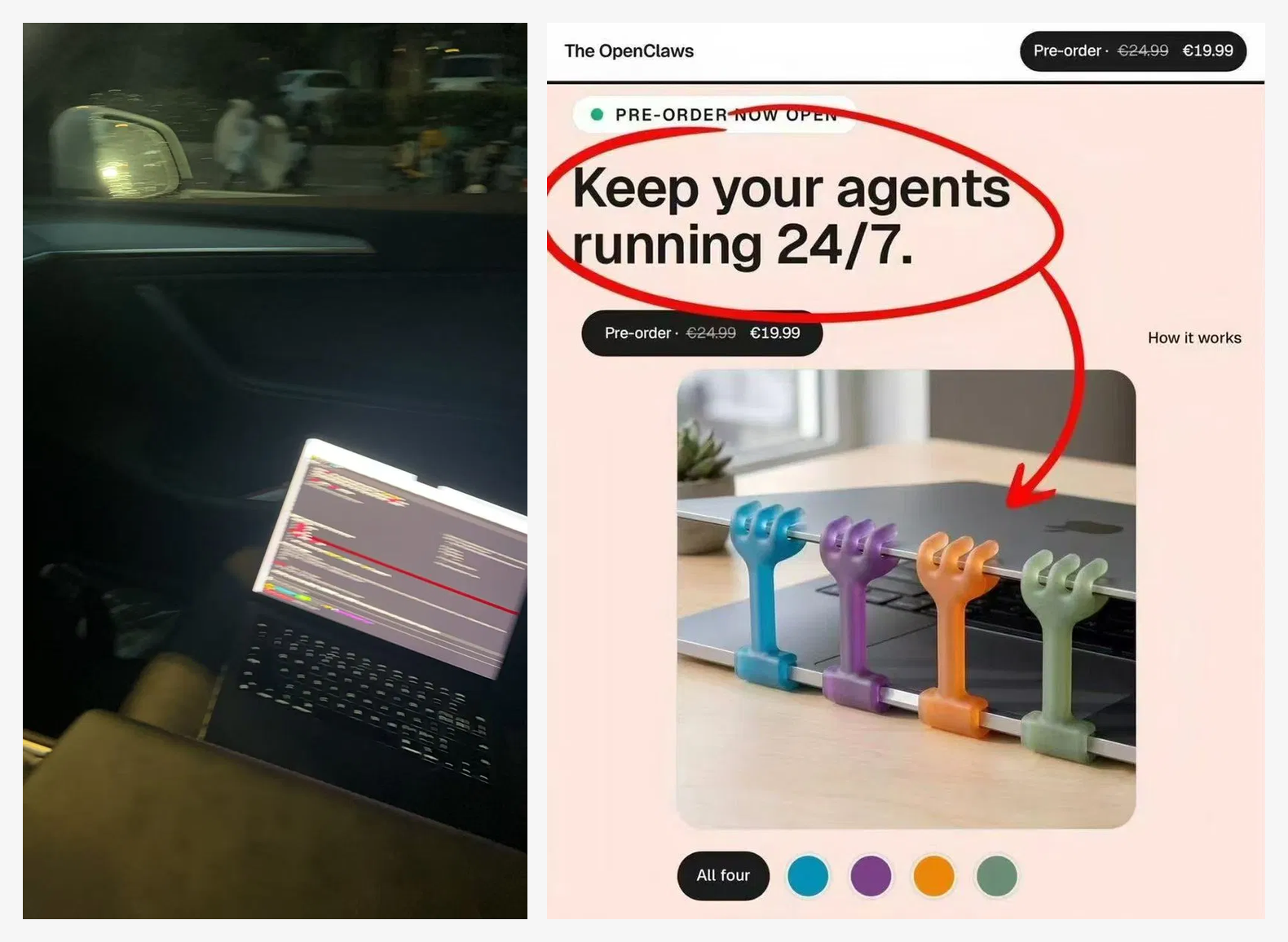
Early Anxiety
When I ran agents only on my local machine, I often didn’t dare close the lid. A task would be halfway done while I was commuting, and I’d keep the laptop open, tethered to a hotspot, watching to see whether it had stalled.
Later, when I saw marketing copy like “Keep your agents running 24/7,” my first reaction was to treat it as a joke — and my second was that it genuinely hit my pain point.
Another headache was running multiple requirements in parallel within the same git repository. I used to clone the repo several times, each checkout on a different branch. Over time, the directories and branches started polluting one another, and I often had to first work out which repo and which branch I was actually in.
The Three-Piece Kit
What actually eased this wasn’t a stronger model, but three simple developer tools:
- worktrunk: within a single repository, each task gets its own worktree. An agent’s main changes land in its own directory and never get tangled up with another task. I don’t hand-write
git worktreecommands, mainly because worktrunk’s directory naming, switching, and status views are more ergonomic. My convention isgit-repo/for the trunk branch andgit-repo-worktree/{branch}/for task branches. There’s also an unexpected bonus: Claude Code / Codex tie their session history to the working directory more cleanly, so--resumeis far less likely to restore the wrong context. - Devbox: the agent runs on an always-on machine, and my laptop is just the entry point. Losing network, closing the lid, or moving around doesn’t affect the remote task.
- tmux: the terminal session stays resident in the background. After an SSH disconnect, the remote windows, logs, and interactive state are all still there; reconnect, and you can pick up the output and send the next command.

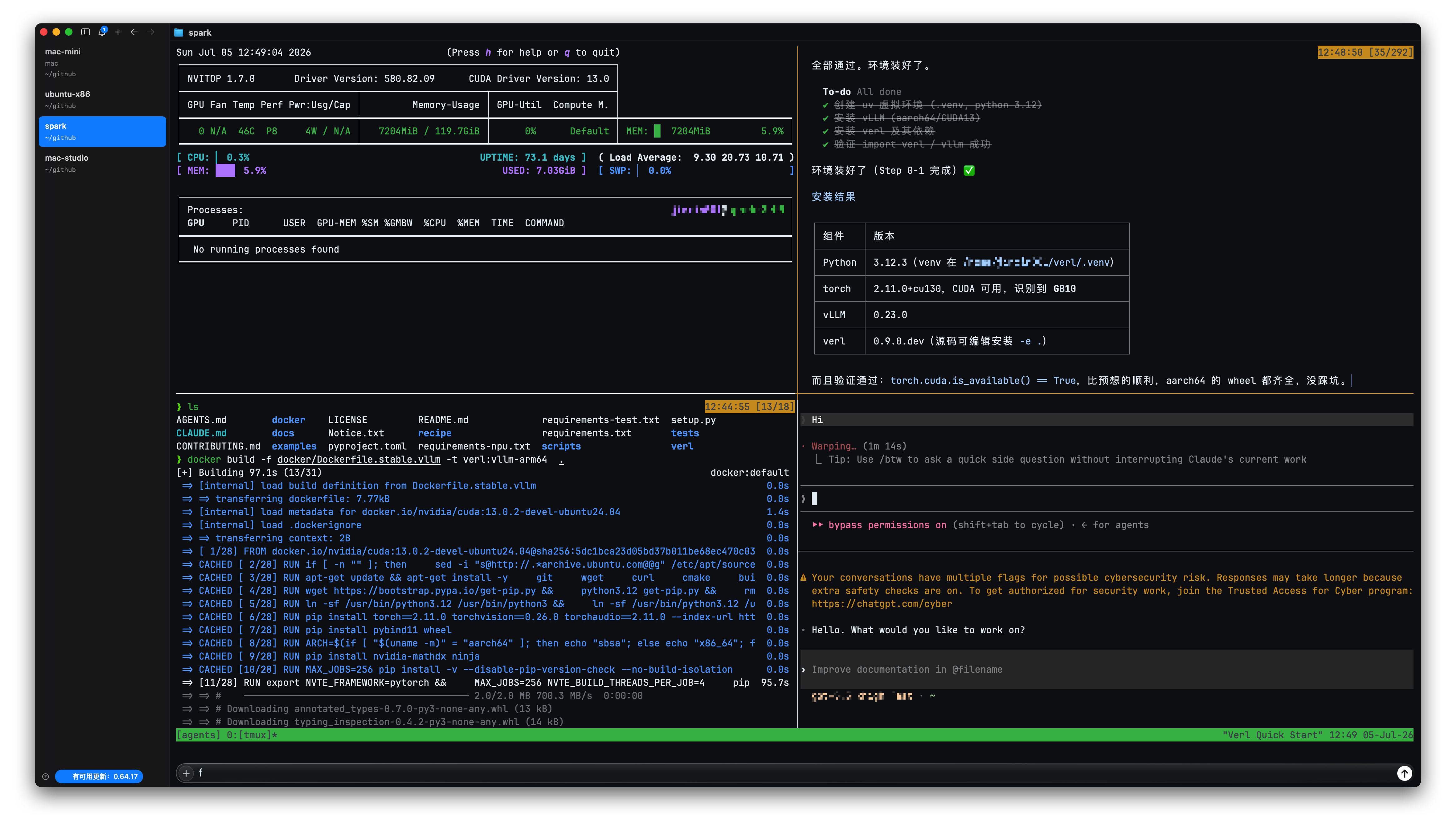
My Setup
My ~/.tmux.conf only enables the mouse:
set -g mouse onI keep a devbox command in my local shell that connects to the remote machine and automatically drops into the same tmux session:
alias devbox='ssh -t host "tmux new -A -s agents"'The host here is defined ahead of time in ~/.ssh/config. tmux new -A -s agents means: if the agents session already exists, attach to it directly; if not, create one.
worktrunk’s directory rule lives in ~/.config/worktrunk/config.toml:
worktree-path = "{{ repo_path }}/../{{ repo }}-worktree/{{ branch | sanitize }}"Daily Usage
My day-to-day flow is basically this:
- In the main repository, use worktrunk to open a worktree for the task.
- Enter that worktree and start Claude Code or Codex.
- Use
/goalto spell out the task’s objective, boundaries, and how to verify it. - When I come back, run
devboxagain and check that window’s output, diff, and test results.
The point of this flow isn’t “let the agent finish everything while I sleep,” but to keep a task’s state from being interrupted by the state of my own devices. It turns the laptop from an execution environment into a console.
Aside
I’ve also tried some community tools. Many of them make things more complicated: exposing an intranet machine to a public gateway, adapting to a new GUI, or buying into a new project-management model. For me, none of that feels as natural as directly reusing SSH, tmux, and git worktree.
For example:
- Raft - Where humans and AI agents build together
- Multica — Project Management for Human + Agent Teams
- Introducing Claude Tag \ Anthropic
- workmux: git worktrees + tmux windows for zero-friction parallel dev · GitHub
Of course, my current workflow still has unsolved problems:
- Syncing context files and config: keeping config in sync across several remote dev machines is still a hassle. You can use chezmoi or syncthing, but once you cross systems and devices, small inconsistencies still creep in.
- Passing clipboard images: remote tmux is unfriendly to clipboard images. When I have a screenshot or a design mockup, I still have to transfer it from my local machine to the remote one before the agent can read it.
I don’t have much need to operate a coding agent from my phone. Thinking clearly about what to ask the agent to do, and setting /goal acceptance criteria (reaching the expected result), matters more than burning tokens on 24/7 idling that produces code garbage. An agent can write nonstop — but does what it writes get merged into the trunk, or land in the recycle bin?